


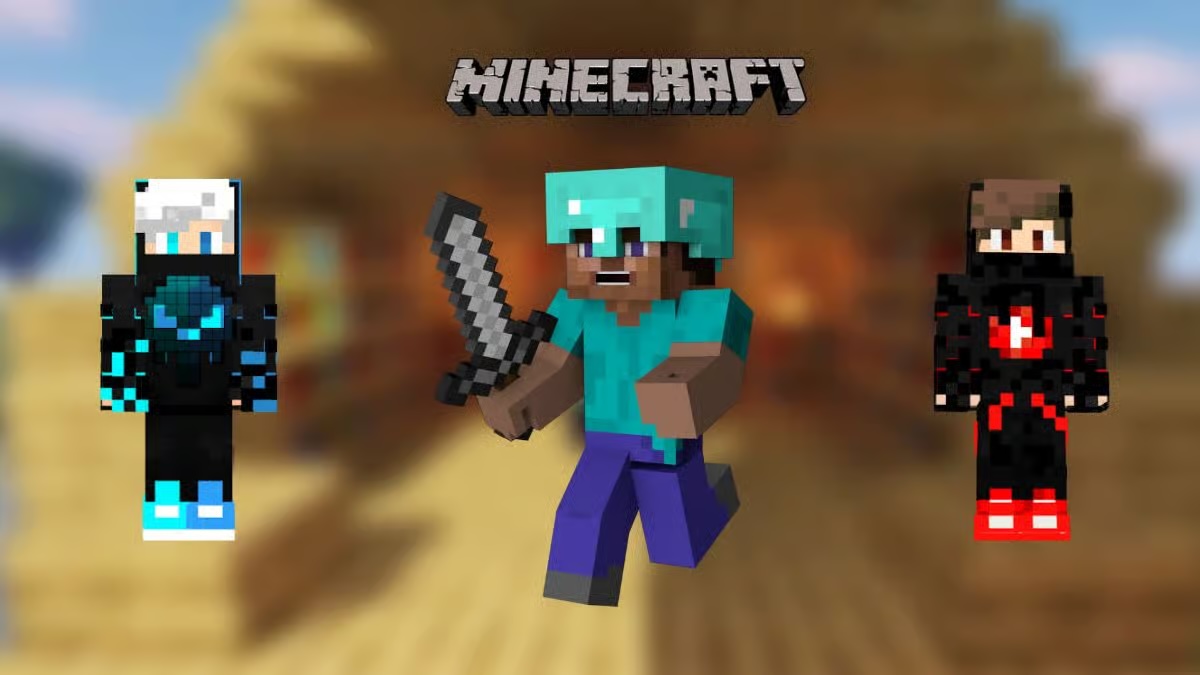
In a world made entirely of blocks, your skin serves as your digital identity. It is the first thing other players notice when you join a server. Whether you are constructing a massive megabase or diving head-first into a high-stakes PvP match, your look tells your story.
At its core, a Minecraft skin is a simple 64×64 pixel PNG file. This small image wraps around your character model like digital gift wrap. Before you can show off a new look, you need the game installed. If you are starting from scratch, you’ll first need to know how to download Minecraft to get the launcher ready for your transformation.
Finding Your Style: Trending Minecraft Java Skins
The community creates thousands of designs daily. Finding the right one depends on the vibe you want to project in the pixelated wilderness.
Aesthetic and Elegant
Many players look for minecraft java skins girl designs that lean into specific aesthetics. Popular choices currently include cottagecore themes, soft pastel palettes, and “soft girl” styles. These skins often feature flower crowns or oversized sweaters. For more ideas, check out these trending Minecraft Girl Skins for creative inspiration.
Sleek and Heroic
The search for the perfect minecraft java skins boy often leads to two extremes: sleek “e-boy” outfits or heavy plate armor. Tech-focused designs with glowing neon accents are also a staple for players who want to look like they stepped out of a sci-fi movie.
Diverse and Vibrant
Representation matters in the sandbox. The minecraft java skins black girl category features high-quality designs that showcase diverse hairstyles, from intricate braids to bold afros, paired with vibrant, modern fashion. These skins bring a necessary level of detail and personality to the game.
Humor and Chaos
Sometimes, you just want to be a menace. Minecraft java skins funny options include “troll” designs like the invisible man, Shrek, or even a literal block of grass. These are perfect for confusing your friends during a game of Hide and Seek. If you aren’t sure where to start, browsing a gallery of cool minecraft skins is the best way to find a base design you can tweak.
Tutorial: Minecraft Java Skins – How to Change Your Look
Ready for a makeover? Follow this quick guide on minecraft java skins how to change your appearance in minutes.
- Download your skin: Grab a .png file from a reputable site like NameMC or Skindex.
- Open the Minecraft Launcher: Select “Minecraft: Java Edition” from the sidebar.
- Navigate to the Skins Tab: You will find this at the top of the launcher window.
- Upload: Click “New Skin,” browse for your downloaded file, and hit “Save & Use.”
- In-Game Refresh: If you are already on a server, re-log to see your new look.
Why Java Skins Stand Out
Java Edition offers a unique level of customization. Unlike some versions of the game, Java supports transparency on the outer layer. This allows for 3D effects like glasses, hats, or flowing capes that sit “above” the skin’s base. This technical flexibility is why the Java community remains the hub for the world’s most detailed pixel art.Customizing your character is the first step toward making the game truly yours. It turns a generic avatar into a personal brand. Ready to join the world’s most creative community? Buy Minecraft Java & Bedrock today to unlock both versions and start your adventure.
