


Portal
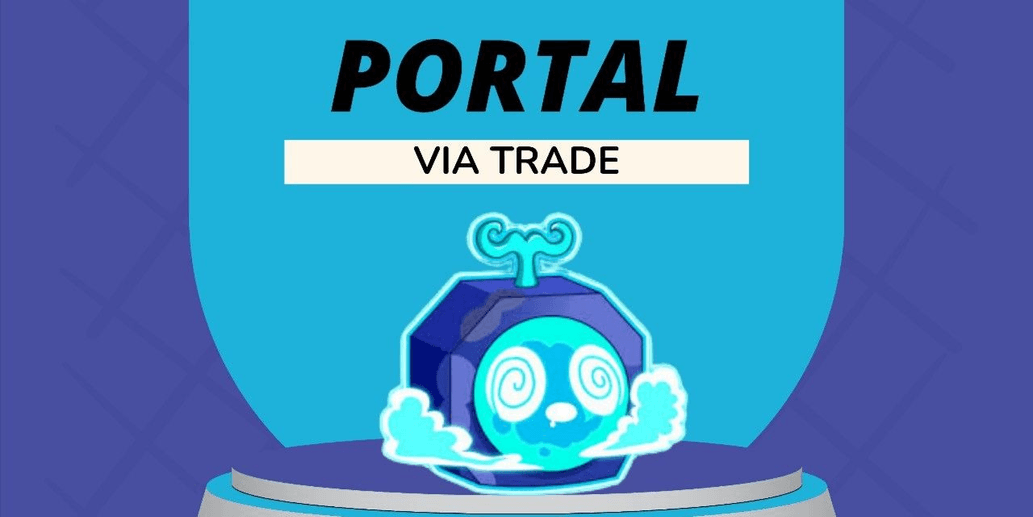
1/1
Portal
0.0
0 reviews
USD 0.47
Price is not final
Minimum Purchase:
1
Sold
1 (100%)
Average Delivery Time:
1 hour
Product Description
How to Trade Fruits in Blox Fruits
1. Choose from the available trades and place your order
2. Enter your RBC Nickname in the provided column
3. Make payment for your order and wait for the seller to process it
4. Schedule a meeting with the seller in-game using the messaging feature on Itemku to agree on the online time and trading location
5. Log in to Blox Fruits RBL at the agreed time and meet the seller
6. The seller will send the Fruit you ordered via the Gift feature
7. Double-check if the Fruit given by the seller matches your order
8. If everything is correct, click the "Complete" button on the Purchase History page to finalize your order
1. Choose from the available trades and place your order
2. Enter your RBC Nickname in the provided column
3. Make payment for your order and wait for the seller to process it
4. Schedule a meeting with the seller in-game using the messaging feature on Itemku to agree on the online time and trading location
5. Log in to Blox Fruits RBL at the agreed time and meet the seller
6. The seller will send the Fruit you ordered via the Gift feature
7. Double-check if the Fruit given by the seller matches your order
8. If everything is correct, click the "Complete" button on the Purchase History page to finalize your order
Offer Details

RyyxStore
Last online 149 days ago
This Seller isn’t Taking Orders Right Now
You can try another seller.
100% Secure Payments Guaranteed by Trade Guard
This Seller isn’t Taking Orders Right Now
Check Other Sellers
05.0 / 5.0(120)
Offer Details
RyyxStore
Last online 149 days ago
This Seller isn’t Taking Orders Right Now
You can try another seller.
100% Secure Payments Guaranteed by Trade Guard
This Seller isn’t Taking Orders Right Now
Check Other Sellers
Still looking for the right offer?
See All Offers