


US$ 5
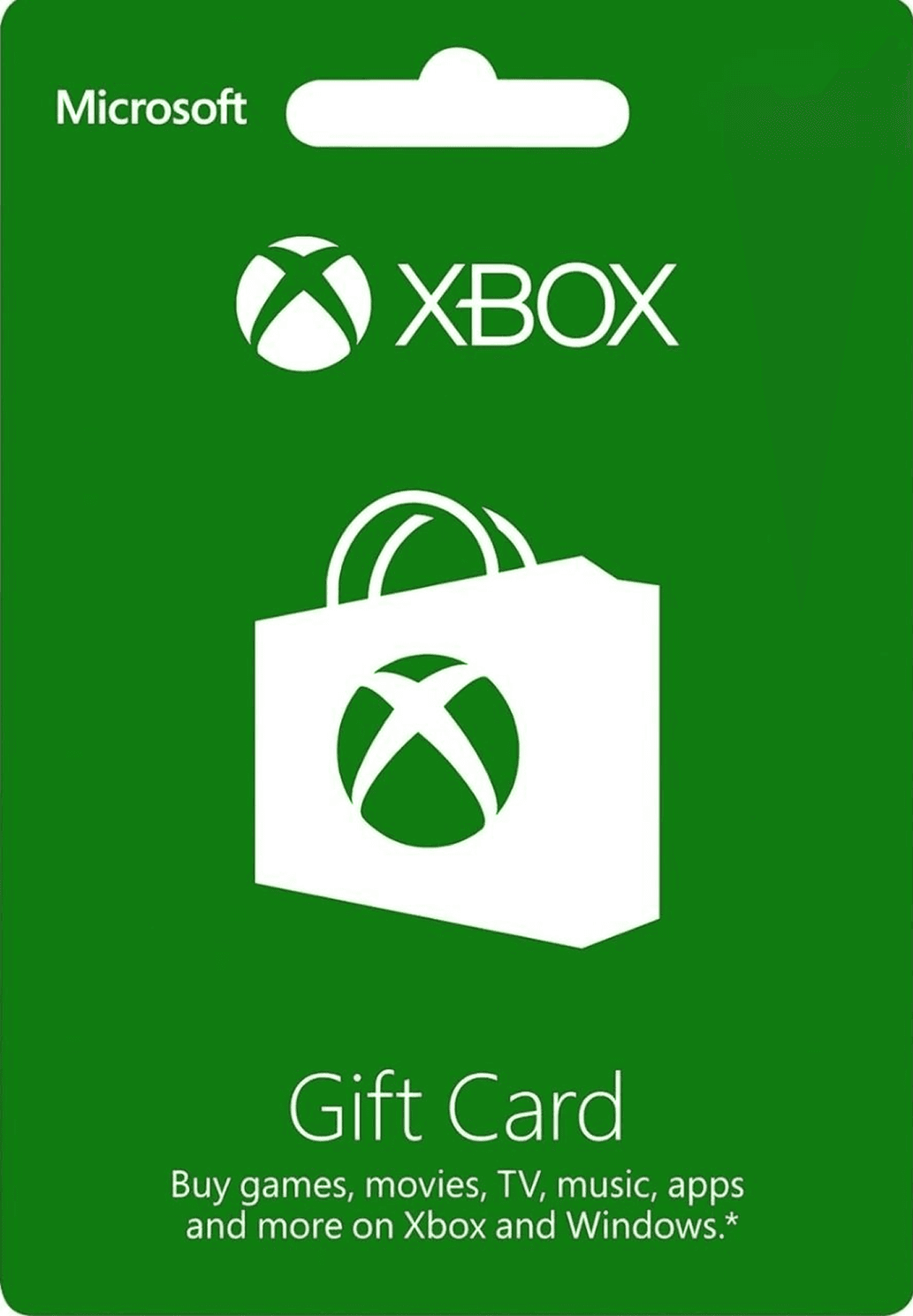
Xbox Gift Card - US$ 5
0.0
0 reviews
USD 5.56
Price is not final
Available in United States of America
US$ 5
US$ 10
US$ 15
US$ 20
US$ 25
US$ 50
US$ 100
US$ 500
Product Type:
Denom:
Activation:
All Sellers (14)
Price Range

 Instant







- 1
- 2


Donquixote shopp

Online
Ready stock Xbox Live Gold 3 Month (3 months) Region US
Product Type: Gift Card (One-Time Use)
**Via XBOX ONE, XBOX SERIES X / S Console**
1. From the home screen, select “Games”
2. Select “Use a code”
3. Sign in if prompted, then enter the 25-digit code and click “Confirm” (The code must be typed MANUALLY, not copy-pasted)
4. Enter an address if requested by the system. If your account is US region, you can use a US address.
5. If you encounter an error such as “Something went wrong. Sorry about that. Give it a try in a while,” “Contact the seller to get a code that works in your region” (Georestricted error), or “This code can’t be redeemed. It was purchased in a different region from your account” while redeeming the Xbox Live Gold or Xbox Game Pass code, you must use a valid US IP address via VPN.
**Via XBOX 360 Console**
1. Sign in to Xbox Live.
2. Press the “Guide” button on the controller (the round button with the X logo in the center of the controller).
3. Select the “Games & Apps” menu and choose “Redeem Code.”
4. Enter the 25-digit code, click “Done,” then “Yes” (The code must be typed MANUALLY, not copy-pasted).
5. Enter an address if requested by the system. If your account is US region, you can use a US address.
6. If you encounter an error such as “Something went wrong. Sorry about that. Give it a try in a while,” “Contact the seller to get a code that works in your region” (Georestricted error), or “This code can’t be redeemed. It was purchased in a different region from your account” while redeeming the Xbox Live Gold or Xbox Game Pass code, you must use a valid US IP address.
**Via PC or Smartphone – Microsoft Website**
1. Go to [https://redeem.microsoft.com/](https://redeem.microsoft.com/) (You need to sign in to your Xbox/Microsoft account).
2. Click “Redeem.”
3. Enter the 25-digit code and click “Confirm” (The code must be typed MANUALLY, not copy-pasted).
4. Enter an address if requested by the system. If your account is US region, you can use a US address.
5. If you encounter an error such as “Something went wrong. Sorry about that. Give it a try in a while,” “Contact the seller to get a code that works in your region” (Georestricted error), or “This code can’t be redeemed. It was purchased in a different region from your account” while redeeming the Xbox Live Gold or Xbox Game Pass code, you must use a valid US IP address.
Product Type: Gift Card (One-Time Use)
**Via XBOX ONE, XBOX SERIES X / S Console**
1. From the home screen, select “Games”
2. Select “Use a code”
3. Sign in if prompted, then enter the 25-digit code and click “Confirm” (The code must be typed MANUALLY, not copy-pasted)
4. Enter an address if requested by the system. If your account is US region, you can use a US address.
5. If you encounter an error such as “Something went wrong. Sorry about that. Give it a try in a while,” “Contact the seller to get a code that works in your region” (Georestricted error), or “This code can’t be redeemed. It was purchased in a different region from your account” while redeeming the Xbox Live Gold or Xbox Game Pass code, you must use a valid US IP address via VPN.
**Via XBOX 360 Console**
1. Sign in to Xbox Live.
2. Press the “Guide” button on the controller (the round button with the X logo in the center of the controller).
3. Select the “Games & Apps” menu and choose “Redeem Code.”
4. Enter the 25-digit code, click “Done,” then “Yes” (The code must be typed MANUALLY, not copy-pasted).
5. Enter an address if requested by the system. If your account is US region, you can use a US address.
6. If you encounter an error such as “Something went wrong. Sorry about that. Give it a try in a while,” “Contact the seller to get a code that works in your region” (Georestricted error), or “This code can’t be redeemed. It was purchased in a different region from your account” while redeeming the Xbox Live Gold or Xbox Game Pass code, you must use a valid US IP address.
**Via PC or Smartphone – Microsoft Website**
1. Go to [https://redeem.microsoft.com/](https://redeem.microsoft.com/) (You need to sign in to your Xbox/Microsoft account).
2. Click “Redeem.”
3. Enter the 25-digit code and click “Confirm” (The code must be typed MANUALLY, not copy-pasted).
4. Enter an address if requested by the system. If your account is US region, you can use a US address.
5. If you encounter an error such as “Something went wrong. Sorry about that. Give it a try in a while,” “Contact the seller to get a code that works in your region” (Georestricted error), or “This code can’t be redeemed. It was purchased in a different region from your account” while redeeming the Xbox Live Gold or Xbox Game Pass code, you must use a valid US IP address.
Stock: 999+
SubtotalUSD 5.56
US$ 5
USD 5.56
100% Secure Payments Guaranteed by Trade Guard