


Buy 1720 Coins (Windows) Voucher Minecoin
Voucher Minecoin
Available in United States of America
|
4.9/5.0
(933 Review)

Instant delivery available
Guide to Buy & Tips
Select Product
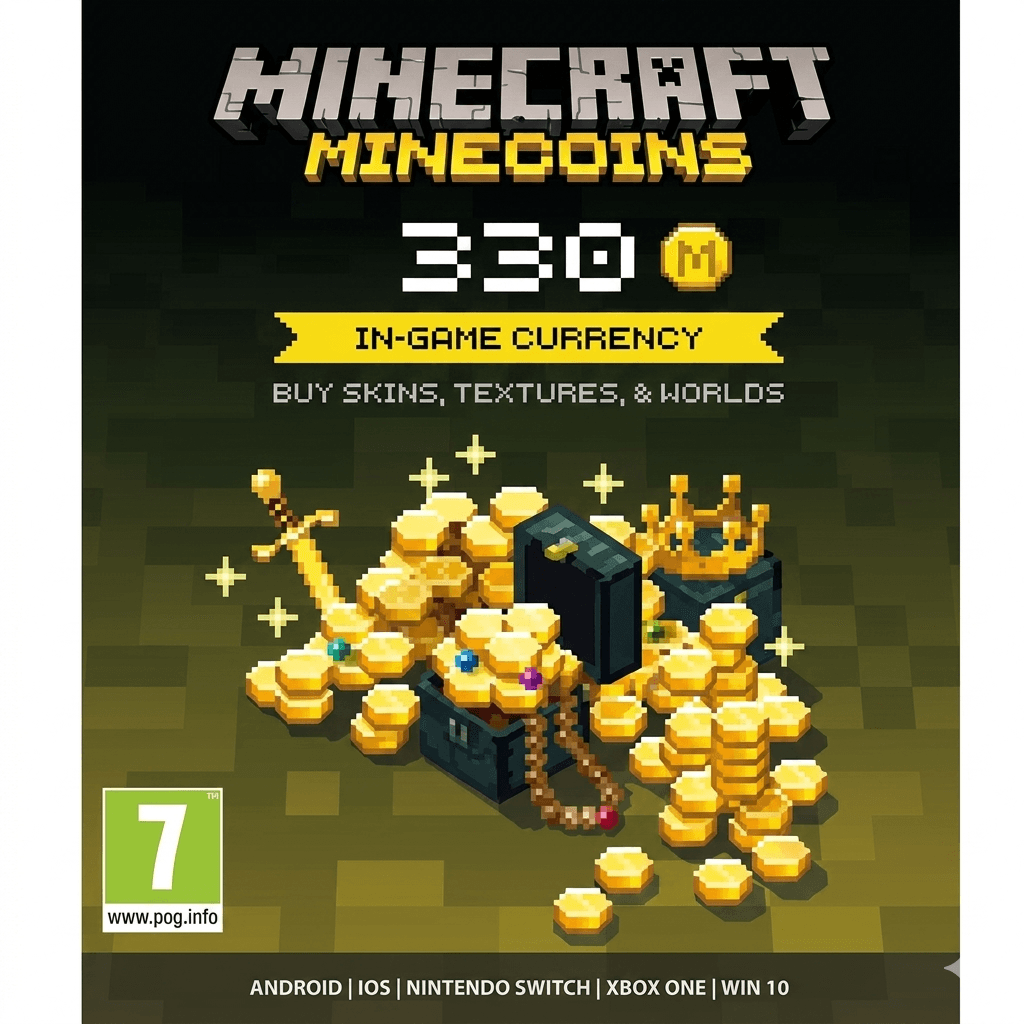
330 Coins (Windows)
USD 3.53
1720 Coins (Windows)
USD 7.07
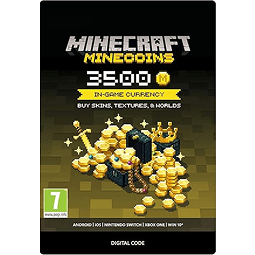
3500 Coins (Windows)
USD 23.31
All Sellers (9)
Price Range







- 1
Product Review
4.9/5
933 Review
5
907
4
14
3
4
2
1
1
7
Latest Reviews

Donquixote shopp

Online
Here are the steps:
1. Visit the Redeem Site:
Open your browser and go to minecraft.net/redeem or your Microsoft account page.
2. Sign in to Your Microsoft Account:
Make sure you are signed into the Microsoft account you want to use for Minecraft.
3. Enter the Code:
Enter the redeem code you received into the provided box on the page.
4. Confirm and Claim:
Follow the instructions to confirm the code and claim your reward.
5. Download the Launcher:
Once the code is successfully redeemed, you will be prompted to download and install the Minecraft Launcher.
6. Install and Play:
Run the Minecraft Launcher, log in with the same account, and you can start downloading the Minecraft game.
Additional Tips:
• Check the Code Type: Ensure the code you are redeeming matches the product type (game, Minecoin, or in-game content).
• Account Region: For serial keys, make sure your Microsoft account region is set correctly (often recommended to use US).
• Double-Check the Code: Make sure you enter the code correctly to avoid errors.
1. Visit the Redeem Site:
Open your browser and go to minecraft.net/redeem or your Microsoft account page.
2. Sign in to Your Microsoft Account:
Make sure you are signed into the Microsoft account you want to use for Minecraft.
3. Enter the Code:
Enter the redeem code you received into the provided box on the page.
4. Confirm and Claim:
Follow the instructions to confirm the code and claim your reward.
5. Download the Launcher:
Once the code is successfully redeemed, you will be prompted to download and install the Minecraft Launcher.
6. Install and Play:
Run the Minecraft Launcher, log in with the same account, and you can start downloading the Minecraft game.
Additional Tips:
• Check the Code Type: Ensure the code you are redeeming matches the product type (game, Minecoin, or in-game content).
• Account Region: For serial keys, make sure your Microsoft account region is set correctly (often recommended to use US).
• Double-Check the Code: Make sure you enter the code correctly to avoid errors.
Stock: 999+
SubtotalUSD 10.01
1720 Coins (Windows)
USD 10.01
100% Secure Payments Guaranteed by Trade Guard