


800 Robux
Roblox - 800 Robux
4.9
31 reviews
USD 7.65
Price is not final
Can be activated in United States of America
80 Robux
400 Robux
500 Robux
800 Robux
1000 Robux
1500 Robux
1700 Robux
2000 Robux
4500 Robux
10000 Robux
22500 Robux
Denom:
Activation:
All Sellers (13)
Price Range








- 1
- 2


Center Cegel Seal
Online
✅ Service: RBX Top-up via Login (Requires Email and Password)
✅ Process: 1-10 Minutes (when the "10-minute" feature is active)
✅ Guarantee: 100% Original Product
📝 Notes:
- This product is not available for Roblox VNG version users
- Incorrectly entered Email and Password are entirely the buyer's responsibility
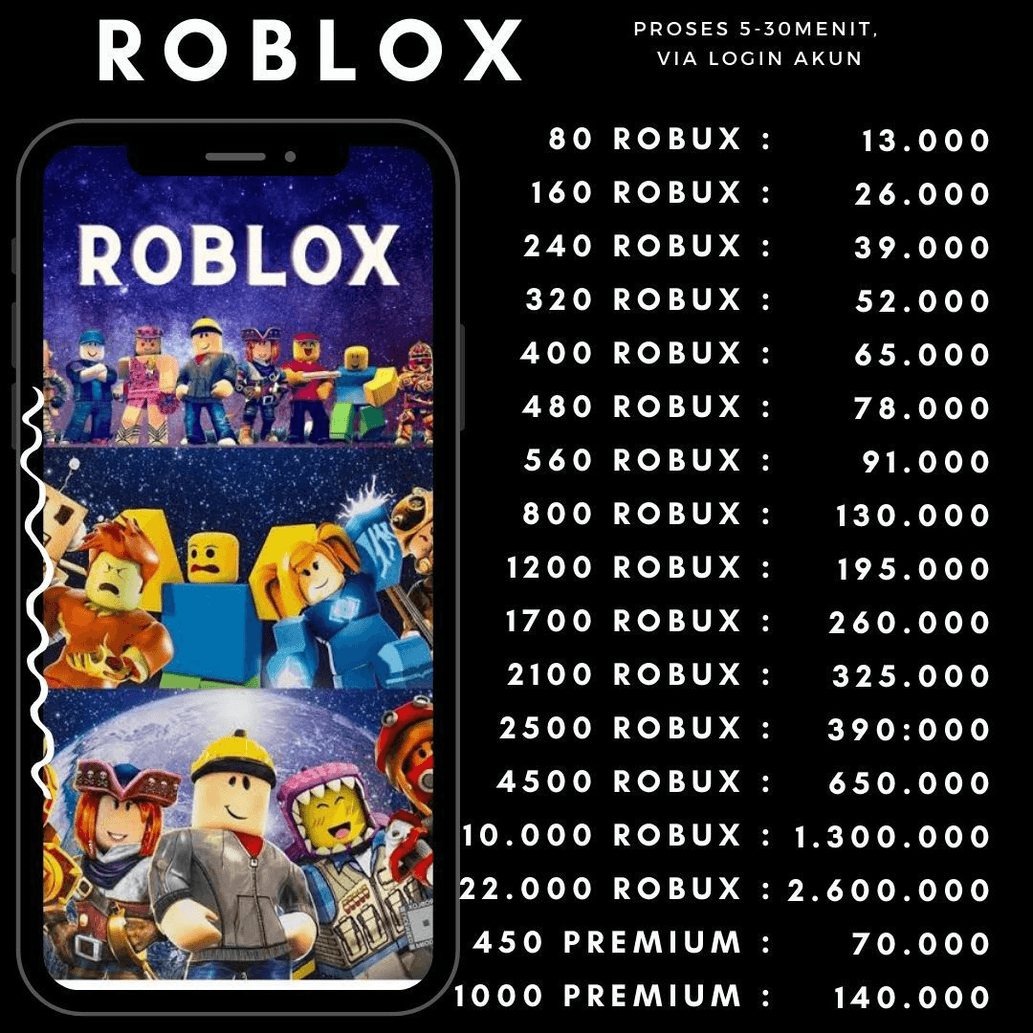
- Delivered in a single top-up with contents as shown in the image
- Check the trading guide on this page for a top-up tutorial
- If the account uses 2-step verification, please provide the Backup Codes in the notes or chat
❗Important
Quick Guide: How to Get Roblox Backup Codes
1. Open your Roblox account Settings.
2. Select the Security tab.
3. Verify Email:
- Ensure the email security feature (Email (Secure)) is active. If not:
- Click to activate it.
- Enter the OTP code sent to your account's verified email.
4. Generate Backup Codes:
- After email verification, the Backup Codes option will appear.
- Click Generate.
- Re-verify: Enter the OTP code sent to your email again.
5. Take One of the Codes:
- 10 unique codes will appear. Choose one to write in the notes or chat.
6. Confirm & Close:
- Check "I've saved my backup codes".
- Click Close.
Check out our other products via the link below:
https://itemku.com/t/center-cegel-seal
Happy Buying ^^
✅ Process: 1-10 Minutes (when the "10-minute" feature is active)
✅ Guarantee: 100% Original Product
📝 Notes:
- This product is not available for Roblox VNG version users
- Incorrectly entered Email and Password are entirely the buyer's responsibility
- Delivered in a single top-up with contents as shown in the image
- Check the trading guide on this page for a top-up tutorial
- If the account uses 2-step verification, please provide the Backup Codes in the notes or chat
❗Important
Quick Guide: How to Get Roblox Backup Codes
1. Open your Roblox account Settings.
2. Select the Security tab.
3. Verify Email:
- Ensure the email security feature (Email (Secure)) is active. If not:
- Click to activate it.
- Enter the OTP code sent to your account's verified email.
4. Generate Backup Codes:
- After email verification, the Backup Codes option will appear.
- Click Generate.
- Re-verify: Enter the OTP code sent to your email again.
5. Take One of the Codes:
- 10 unique codes will appear. Choose one to write in the notes or chat.
6. Confirm & Close:
- Check "I've saved my backup codes".
- Click Close.
Check out our other products via the link below:
https://itemku.com/t/center-cegel-seal
Happy Buying ^^
Stock: 999+
SubtotalUSD 7.65
800 Robux
USD 7.65
100% Secure Payments Guaranteed by Trade Guard