



Buy 80 Robux Robux Via Login
Robux Via Login
Available in United States of America
|
4.9/5.0
(230,056 Review)
Guide to Buy & Tips
Select Product

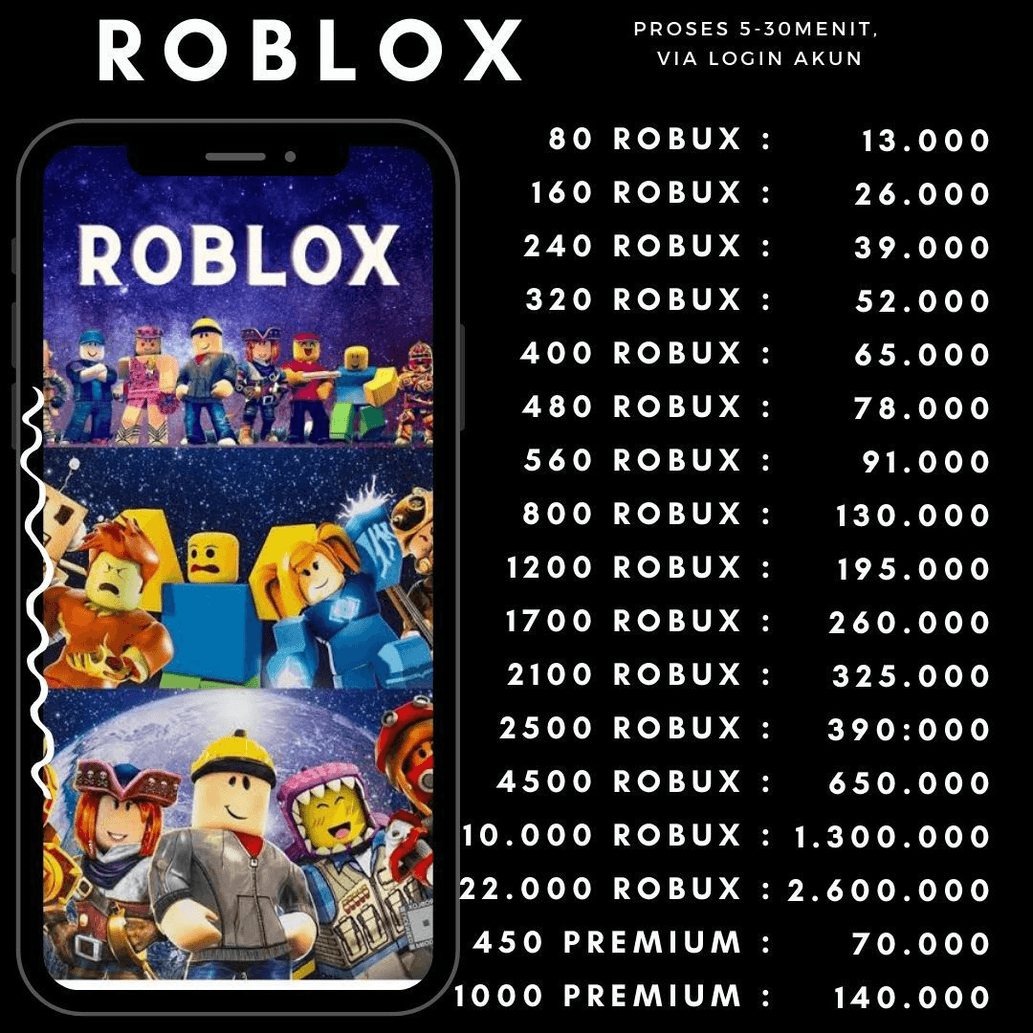
80 Robux
USD 0.92
400 Robux
USD 4.86
500 Robux
USD 4.89
800 Robux
USD 8.99
1000 Robux
USD 9.78
1500 Robux
USD 14.80
1700 Robux
USD 17.97
2000 Robux
USD 19.90
4500 Robux
USD 44.91
10000 Robux
USD 99.80
22500 Robux
USD 206.34
All Sellers (17)
Price Range







- 1
- 2
Product Review
4.9/5
230,056 Review
5
222,203
4
5,053
3
1,311
2
349
1
1,140
Latest Reviews


VEINSTORE.ID
Last online 1 hour ago
TOP UP ROBUX ROBLOX INSTANT DIRECT ENTRY.. ❗
WHY SHOULD YOU BUY AT VEINSTORE.ID?
✅ Has served more than 100,000++ customers with a customer satisfaction rating above 97%
✅ Robux filling process FAST HAND!
✅ 100% LEGAL Robux Guarantee! ANTI BANNED!
🕓 Our operating hours are 07:00 AM - 01:00 AM. (Orders placed after 12:00 AM will be processed the next working hour)
💢 Rules ‼️
⚠️ Robux filling is processed in order / queue, please do not spam chat ❗
⚠️ For Roblox accounts with two-step verification active, it is advisable to include a Backup Code to speed up the filling process (you can include the backup code in the "Notes for Seller" column or via the Chat feature on itemku)
⚠️ Here's How to Create a Roblox Backup Code:
- Log in to your Roblox account.
- Go to Settings > Security.
- Activate one of the security methods (Authenticator App or Email)
- Click Generate Backup Codes and copy the backup code, then paste it in the notes column for the Seller / via the chat feature on itemku
WHY SHOULD YOU BUY AT VEINSTORE.ID?
✅ Has served more than 100,000++ customers with a customer satisfaction rating above 97%
✅ Robux filling process FAST HAND!
✅ 100% LEGAL Robux Guarantee! ANTI BANNED!
🕓 Our operating hours are 07:00 AM - 01:00 AM. (Orders placed after 12:00 AM will be processed the next working hour)
💢 Rules ‼️
⚠️ Robux filling is processed in order / queue, please do not spam chat ❗
⚠️ For Roblox accounts with two-step verification active, it is advisable to include a Backup Code to speed up the filling process (you can include the backup code in the "Notes for Seller" column or via the Chat feature on itemku)
⚠️ Here's How to Create a Roblox Backup Code:
- Log in to your Roblox account.
- Go to Settings > Security.
- Activate one of the security methods (Authenticator App or Email)
- Click Generate Backup Codes and copy the backup code, then paste it in the notes column for the Seller / via the chat feature on itemku
Stock: 999+
SubtotalUSD 1.00
80 Robux
USD 1.00
100% Secure Payments Guaranteed by Trade Guard